AI Agents Explained for Middle School: A 45-Minute Lesson
The district AI policy memo arrived on a Tuesday. Or maybe it was a PD session in August where someone from the central office clicked through a slide that said “agentic AI” — and every teacher in the room nodded, because nodding is what you do when a term lands in a room with no curriculum attached to it. The problem is not that you missed a class on this. The problem is that no one has handed you a lesson for it yet, because the lesson barely exists anywhere. That is the gap this post closes. You are not behind — you are simply the first person in your building asked to teach something the curriculum hasn’t caught up to. Here is what AI agents actually are, how they differ from chatbots, and a 45-minute lesson your grades 6-8 students can run tomorrow.
TL;DR: An AI agent is a program that pursues a goal — it can plan, use tools, and complete multi-step tasks largely on its own. A chatbot only replies to what you type. They are different tools, and middle schoolers can see the difference clearly once you name it. This post gives you a 45-minute lesson, an unplugged Goal-Plan-Act card sort that works without any devices, a crosswalk to AI4K12 Big Idea #2 and ISTE 1.3.d, and a human-in-the-loop close your students won’t forget.
What is an AI agent? A definition for grades 6-8
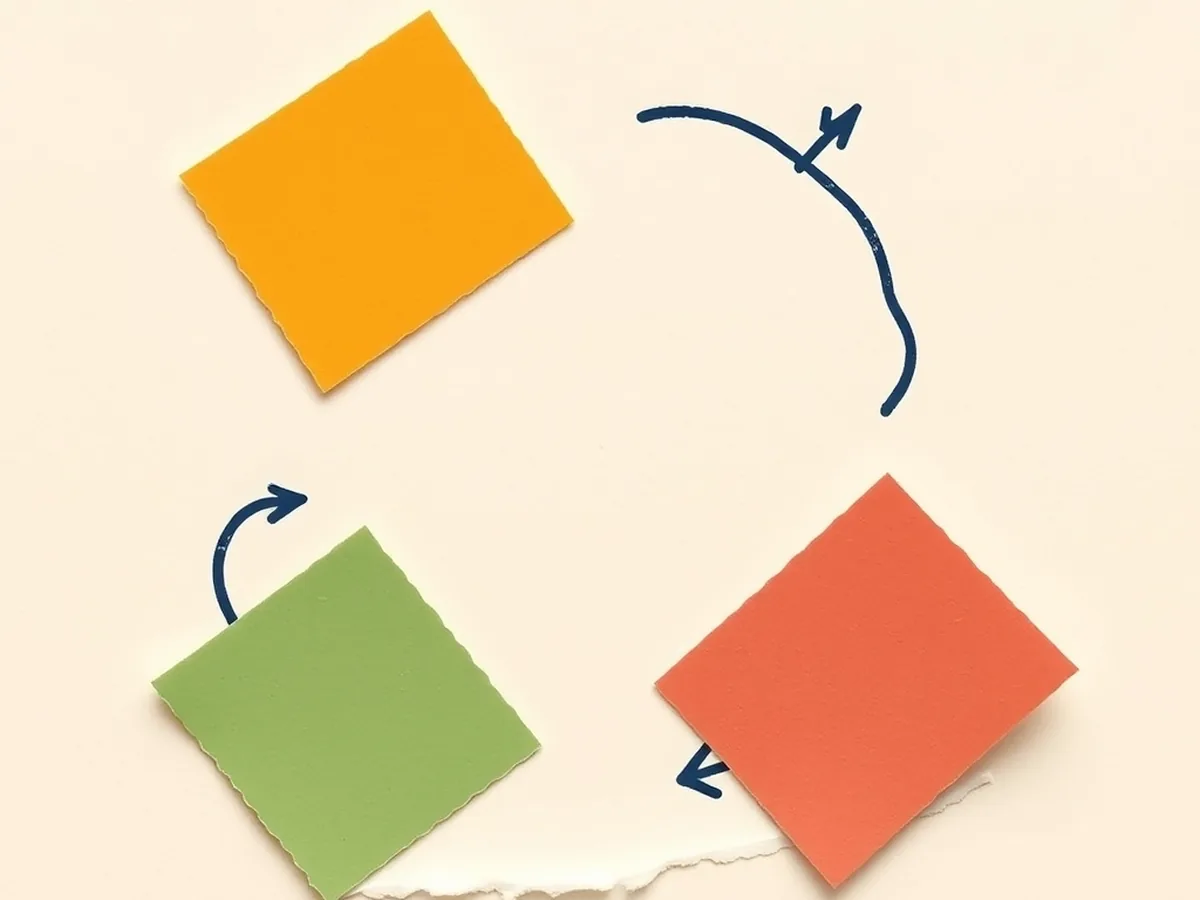
An AI agent is a program given a goal that it pursues by planning, taking actions, and adjusting based on what it observes — on its own, across multiple steps, without waiting to be told each move.
Here is the school-setting version that works for any grade 6-8 class: a chatbot is like a classmate who answers your question and stays in their seat. You ask, they reply, conversation over. An AI agent is more like a student helper who gets up, walks to the library, finds the book you need, checks it out, and brings it back — and if the library is closed, tries the next resource on the list. The loop an agent follows is: Goal → Plan → Act → Observe → repeat. It keeps cycling through that loop until the task is done, the goal is met, or something stops it.
This is what distinguishes agents from every other AI tool students have seen so far. The chatbot lives inside one turn. The agent lives inside a sequence of turns it manages itself.
AI4K12 Big Idea #2 — Representation and Reasoning — captures exactly this: AI systems maintain internal representations of the world so they can reason toward a goal. An agent’s loop is that reasoning made visible.
Chatbot vs AI agent: a comparison your students can see
The fastest way to make this distinction stick is a side-by-side. Project this or print it — students spend two minutes reading it before you say a word.
| Chatbot | AI agent | |
|---|---|---|
| What it does | Answers one question at a time | Completes a multi-step task toward a goal |
| How many turns | One turn per response | Plans and acts across many turns on its own |
| Tools it uses | None — just generates text | Can search the web, read a calendar, check a database |
| Who drives it | You ask, it responds | Receives a goal, then acts without being prompted each step |
| Classroom example | ”What’s on the cafeteria menu today?” → it tells you | Receives goal “flag any menu items unsafe for nut allergies” → checks the menu, cross-references allergy data, flags the item |
Students usually hit the fourth row and say “wait, so the agent just goes?” That reaction is exactly the right starting point for the lesson that follows.
AI4K12 Big Idea #4 — Natural Interaction — is the relevant anchor here: how humans communicate goals to AI systems, and what happens when the system acts on an ambiguous goal without checking back.
A 45-minute lesson plan: teaching AI agents in grades 6-8

Materials: printed or projected chatbot-vs-agent comparison table (above), index cards (one set per group of four), a timer, a whiteboard or shared doc for the debrief.
Pacing block:
| Time | What happens |
|---|---|
| 0–5 min | Hook — project one scenario: “You ask a chatbot to help you plan a field trip. You ask an AI agent to plan the field trip.” Ask: what’s the difference? Students talk in pairs. No answers yet. |
| 5–15 min | Concept build — introduce the Goal → Plan → Act → Observe loop. Walk through the school-library analogy above. Show the comparison table. Students read, mark one row that surprises them. |
| 15–35 min | Unplugged card sort activity (see below) |
| 35–42 min | Debrief — two questions on the board: “What happens if the agent misreads the goal?” and “When would you want a human to step in?” Collaborative discussion per CCSS.ELA-LITERACY.SL.7.1. |
| 42–45 min | Exit ticket — one sentence: “An AI agent is different from a chatbot because ___.” |
This structure hits ISTE 1.3.d — students build knowledge by actively exploring real-world issues and questions, pursuing answers through investigation and sense-making — because the activity puts them inside the agent’s decision loop rather than just reading about it.
The unplugged option: a Goal-Plan-Act card sort
No devices needed. This is the AI agents unplugged activity for grades 6, 7, and 8 that travels to any classroom.
Setup takes three minutes. Print or hand-write cards in four categories: Goal cards (e.g., “Find a book about climate change available in the school library”), Plan cards (e.g., “Search the catalog → Check availability → Reserve the book”), Act cards (e.g., “Run catalog search,” “Check shelf status,” “Send hold request”), and Obstacle cards (e.g., “Book is checked out,” “Catalog is offline”).
You play the environment. A group of four students plays the agent. You hand them a Goal card. They must sequence the Plan cards, then execute Act cards in order — and when you flip an Obstacle card, they must decide: adapt the plan or stop and ask a human?
The physical movement — picking up a card, walking it to the “library shelf” station, returning with a result — makes the Goal → Plan → Act → Observe loop a body memory, not just a definition. A typical class finishes the first round in about eight minutes and asks to run a second with a harder goal. The second round is when students naturally start arguing about when they should stop and ask a human — which is exactly where the next section begins.
Where AI agents go wrong: the human-in-the-loop rule
The direct answer: agents can misread a goal, take a wrong action, or operate on bad data — so a human stays in the decision chain.
A 6th-grader-accessible frame: your job as the human is not to watch the agent do everything. Your job is to know when to trust it and when to override it. A few clear situations where you step in: when the goal was ambiguous and the agent picked a meaning you didn’t intend; when the agent is about to take an irreversible action (deleting a file, sending a message, making a purchase); when the data it’s working from could be wrong or outdated.
Give students two concrete rules of thumb they can memorize:
- Irreversible action = human must approve first. If the agent can’t undo it, the human decides.
- Ambiguous goal = stop and clarify before acting. A well-specified goal produces a useful agent. A vague goal produces a confident wrong result.
This is where AI4K12 Big Idea #5 — Societal Impact — becomes concrete: agents are already booking appointments, filtering job applications, and recommending healthcare decisions. The stakes for a misread goal are not hypothetical. And ISTE 1.2.b — positive, safe, legal, and ethical behavior with technology — is the standard that puts the guardrail responsibility on the human using the tool, not just the tool’s designer.
Here is the honest reason this feels confusing: the human-in-the-loop concept is new to everyone teaching it. It does not live in old digital citizenship frameworks. It is not in most AI PD decks yet. You are not behind on this. Nobody was handed a lesson for it — you are building the curriculum in real time, and that is exactly what this section gives you language for.
Standards crosswalk and how to extend the lesson
| Lesson step | Standard anchor | What it covers |
|---|---|---|
| Chatbot vs agent concept build | AI4K12 Big Idea #2 — Representation & Reasoning | Agents maintain representations to reason toward goals |
| Comparison table discussion | AI4K12 Big Idea #4 — Natural Interaction | How humans communicate goals to AI; what happens when goals are ambiguous |
| Unplugged card sort | ISTE 1.3.d | Building knowledge by actively exploring and pursuing answers |
| Collaborative debrief | CCSS.ELA-LITERACY.SL.7.1 | Collaborative discussion with evidence-based reasoning |
| Human-in-the-loop close | AI4K12 Big Idea #5 — Societal Impact | Real consequences of agent decisions; human oversight responsibility |
| Human-in-the-loop close | ISTE 1.2.b | Safe, legal, ethical behavior with technology |
Standards source: ISTE Student Standards. ISTE is a registered trademark of the International Society for Technology in Education. AI4K12 initiative: ai4k12.org. These resources are not affiliated with or endorsed by ISTE or AI4K12.
For the broader context this lesson sits inside, the How AI Works MEGA bundle — 16 Machine Learning and AI Concept lessons for grades 6-12 covers the full arc from what AI is to how agents, generators, and classifiers each behave differently. If your students are ready to go deeper on the taxonomy, the Types of AI Deep-Dive — Narrow vs General vs Super AI for grades 6-7-8 gives them the vocabulary to place agentic AI on the map. And if you are starting from the very beginning, the What Is AI Intro Lesson Bundle for grades 6-8 is the on-ramp before this lesson.
For related reading on the site: the post on how generative AI works for grade 7 covers next-word prediction — which is what the chatbot half of today’s comparison is actually doing. The AI chatbot safety lesson for middle school addresses what to tell students about the risks of AI companions. The responsible AI use lesson plan for middle school closes the loop on the human-in-the-loop rule with the Disclose/Verify/Protect/Question framework. Browse the full resource shop for ready-made materials by topic.
The curriculum for agentic AI in middle school barely existed a year ago. Gartner named agentic AI its number one strategic technology trend for 2025. CSTA and AI4K12’s 2025 AI Learning Priorities document explicitly names proactive and agentic AI as a student literacy area. The field moved fast. Your students need this. You are not behind — the lesson just did not exist yet. Now it does.
This post was drafted with AI assistance and human-finalized.
Quick questions
An AI agent is a program that takes actions to reach a goal — it can plan, use tools, and complete multi-step tasks on its own. A chatbot only replies to what you type; an agent keeps working through a loop until the goal is met.
A chatbot answers one question at a time and stops. An AI agent pursues a goal across many steps — it can plan, use tools like search or a calendar, act on its own, and check its own progress with far less back-and-forth.
Use an unplugged Goal-Plan-Act card sort: the teacher acts as the environment, students play the agent, and index cards stand in for tool calls. Students physically walk through how an agent plans, acts, and observes results.
Get the free AI-Proof Assignment Toolkit
10 ways to redesign any assignment so an AI chatbot structurally can't do it — plus a redesign worksheet, a 45-minute lesson, the “Spot AI Work” card, and parent templates. One email, all 5 pieces.
Prefer the full breakdown? See everything inside the toolkit →