AI Literacy Choice Board for Grades 6-8 (9 Tasks)

You open an AI literacy unit and the class splits in under ten minutes. A handful of students have already been using ChatGPT for months — they finish your introduction slide before you reach the bottom. Eight more students stare at the first question like you asked them to explain a Supreme Court decision under a time limit. You have one room, one period, and a readiness range that would normally require three separate plans. You can’t out-detect your way to AI literacy. You out-design it — nine visible tasks on one page, one entry point for every student in the room, with the thinking happening where you can actually see it.
TL;DR: An AI literacy choice board is a 3x3 grid of nine differentiated tasks, all about how AI actually works — its bias, its sources, its societal impact. (This is the opposite of using AI to generate a choice board on any subject.) Students pick one task from each row, completing any three tasks total across 3-5 class periods in 15-20 minute independent work blocks. Three rows = three readiness tiers. The one-per-row rule ensures every student does one accessible task and one genuine stretch, without tracking or labeling anyone.
What is an AI literacy choice board?
An AI literacy choice board is a 3x3 grid where every cell contains a task about AI — how it learns, where it fails, and what it means for society. Students do not rotate through all nine tasks on a schedule; they choose which task to do within each row. That student-choice element is the structural difference from station rotation: in a centers model, every student visits every station; in a choice board, students pick their path through the content.
One clarification is necessary because the phrase “AI choice board” is heavily polluted in search results: this is not about using an AI tool to generate a choice board on any subject. Every task in the grid below has AI literacy as its subject — perception, bias, training data, source credibility, policy, societal impact. Students are learning about AI, not outsourcing work to it.
Choice boards have an established evidence base in UDL (Universal Design for Learning) as a way to offer multiple means of action and expression. For AI literacy specifically, the format fits because AI literacy spans a wide conceptual range — from basic vocabulary to policy analysis — and students in any one class arrive at genuinely different points across that range.
The 9-task AI literacy choice board grid (copy this)
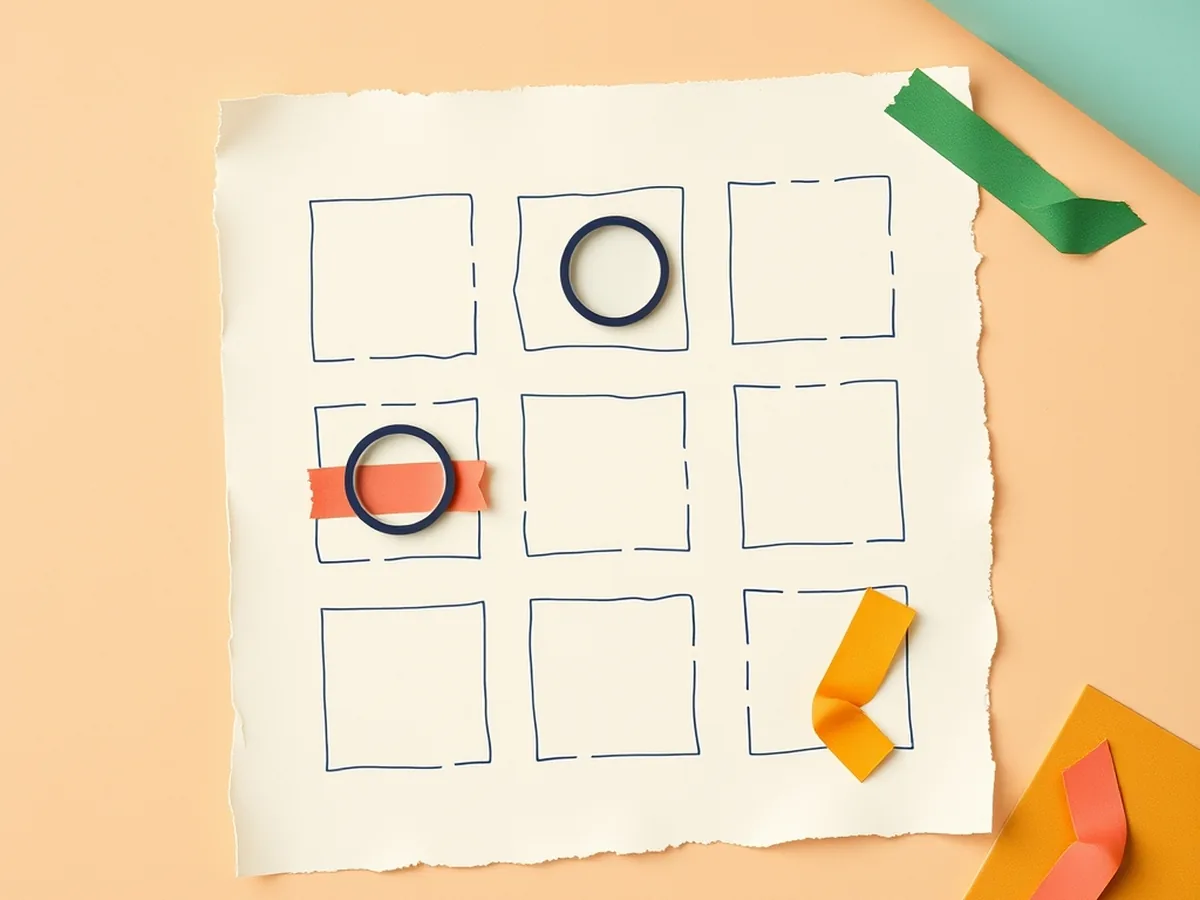
Nine tasks, one per cell. Three are fully no-tech (pencil-and-paper complete); the remaining six are tech-flexible — they work on paper but benefit from a device.
| Row | Task | One-line direction | No-tech? |
|---|---|---|---|
| Row 1: Foundational | Spot the AI perception | Look at three images; circle the one you think an AI “saw” differently than a human would, and write one sentence explaining why. | yes |
| Row 1: Foundational | Label real vs. AI image | Sort six images into “likely real photo” vs. “likely AI-generated”; circle the single visual cue that gave each one away. | yes |
| Row 1: Foundational | AI vocabulary match | Match twelve AI terms (algorithm, bias, hallucination, training data, prompt, output, model, dataset, inference, label, parameter, deepfake) to their plain-language definitions. | yes |
| Row 2: Developing | Trace the training data | Pick one AI tool you have heard of; research what kind of data it was trained on; write three sentences about who collected that data and who was not included. | — |
| Row 2: Developing | Bias hunt in AI answers | Ask the same factual question to two AI tools; compare answers for gaps, overstatements, or missing perspectives; mark each discrepancy on the comparison sheet. | — |
| Row 2: Developing | Source-check an AI claim | Take one AI-generated “fact” from the task card; run a two-step source check using a primary source; record: confirmed / contradicted / no source found. | — |
| Row 3: Challenge | Design an AI use policy | Draft a one-page acceptable-use policy for AI tools at your school; include at least three rules and one consequence for each. | yes |
| Row 3: Challenge | Debate: AI in the newsroom | Read the provided two-paragraph case about an AI system writing sports recaps; prepare one argument for and one against; be ready to defend either side. | — |
| Row 3: Challenge | Redesign a task to be AI-resistant | Take the provided homework assignment; rewrite it so the thinking must happen in class, on paper, in the student’s own words — so AI cannot do it for them. | — |
Fully no-tech tasks: all three Row 1 tasks plus “Design an AI use policy” in Row 3. If the laptop cart is unavailable, students complete one Row 1 task and the policy task — core literacy concepts covered, zero devices required.
How the three rows differentiate
Each row is a readiness tier, and the one-per-row rule handles differentiation without labeling anyone.
Row 1 (foundational) builds vocabulary and visual perception. Tasks ask students to identify, sort, and define. Students who are new to AI concepts, or reading below grade level, access the big ideas here without needing prior background knowledge.
Row 2 (developing) adds investigation. Tasks ask students to compare sources, trace provenance, and verify claims. The source-check task directly mirrors CCSS.ELA-LITERACY.W.7.8 — gather information from multiple sources and assess accuracy and credibility.
Row 3 (challenge) asks students to design, argue, and create. Tasks produce a document, a reasoned argument, or a redesigned assignment. The cognitive demand is synthesis and evaluation — appropriate for students who are already fluent with AI tools and ready to think about power, policy, and consequence.
The UDL principle at work: multiple means of action and expression. Students self-select a task from each row, so they always complete one task at their accessible level and one genuine stretch — no teacher tracking required. For a full differentiation framework covering the same readiness range in AI literacy, see Differentiated AI Literacy Lesson Plans for Middle School.
Standards crosswalk: which tasks hit which codes
| Row / Task | ISTE | AI4K12 | CCSS |
|---|---|---|---|
| Row 1: Spot the AI perception | ISTE 1.1.c (Empowered Learner — student agency) | Big Idea #3: Learning | — |
| Row 1: Label real vs. AI image | ISTE 1.3.b (evaluate accuracy, credibility) | Big Idea #3: Learning | — |
| Row 1: AI vocabulary match | ISTE 1.1.c (Empowered Learner) | Big Idea #3: Learning | — |
| Row 2: Trace the training data | ISTE 1.3.d (explore real-world issues) | Big Idea #3: Learning | — |
| Row 2: Bias hunt in AI answers | ISTE 1.3.b (evaluate accuracy, perspective) | Big Idea #5: Societal Impact | — |
| Row 2: Source-check an AI claim | ISTE 1.3.b + 1.3.d (Knowledge Constructor) | — | CCSS.ELA-LITERACY.W.7.8 |
| Row 3: Design an AI use policy | ISTE 1.3.d (explore real-world issues) | Big Idea #5: Societal Impact | — |
| Row 3: Debate: AI in the newsroom | ISTE 1.3.d | Big Idea #5: Societal Impact | — |
| Row 3: Redesign a task to be AI-resistant | ISTE 1.1.c + 1.3.d | Big Idea #3 + Big Idea #5 | — |
Standard labels: ISTE 1.1 = Empowered Learner; ISTE 1.3 = Knowledge Constructor. ISTE 1.1.c = students use technology to demonstrate learning in a variety of ways. ISTE 1.3.b = students evaluate accuracy, perspective, credibility, and relevance of sources. ISTE 1.3.d = students build knowledge by actively exploring real-world issues and problems. The choice board structure itself is the ISTE 1.1.c move: student agency is baked into how the board works.
How to run an AI literacy choice board in class

A choice board runs across 3-5 class periods in 15-20 minute independent work blocks — not all in one sitting.
Day 1: Introduce all nine tasks in five minutes (overview, not instruction). Students pick their Row 1 task and begin. Most students finish a Row 1 task in one 15-20 minute block.
Days 2-3: Students complete their Row 2 task. The developing-level tasks — Trace the Training Data and Bias Hunt especially — take a full block to do with care. Budget one full block per Row 2 task.
Days 4-5: Students complete their Row 3 task. The challenge tasks generate the most discussion. “Debate: AI in the newsroom” and “Redesign a task to be AI-resistant” often surface questions worth a brief whole-class close.
Grading: One rubric across all nine tasks. Evaluate three dimensions: accuracy of AI-literacy concepts, evidence of inquiry (source used, comparison made, or research cited), and clarity of written response. A student completing a Row 1 task is graded on the same three dimensions as a Row 3 student — the task complexity differs; the quality standard within that task does not. This keeps grading manageable without requiring nine separate rubric sheets.
A typical period looks like this: students arrive, check which task they are on, collect printed task cards from the front table, and work independently. You circulate and spend extra time with the Trace the Training Data group — that task generates the most questions about what “training data” means in practice. For a parallel structure in a single-period rotation format, see AI Literacy Center Activities for Middle School.
Ready-made AI literacy choice boards and centers
The tasks above are ready to describe. What a back-to-back-classes grades 6-8 teacher needs alongside them: a physical task card for each cell, a teacher guide explaining the differentiation structure, and a rubric that applies across all nine tasks.
The AI Centers, Choice Boards and Stations Bundle is the flagship for this post: nine hands-on activity sets for grades 6-8, formatted as a ready-to-print bundle with task cards, teacher guides, and standards documentation for every activity. It covers choice board, center, and station formats — same content, whichever structure fits your week.
To start lighter, the AI Literacy Center Activities Set covers five stations for a single 45-minute period — an entry-level version of the same approach before committing to a multi-day sequence.
For classes that include students with IEPs or ELL designation, the Middle School AI Accessibility and UDL Teaching Guide pairs directly with the choice board format, providing sentence frames, visual supports, and modified expectations that make the Row 1 tasks accessible for students who need additional scaffolding.
Nine tasks. Every student has a door in. You are not designing around the students who are ready and hoping the others keep up. You are designing so the thinking is visible for all of them — and that is the only real answer to a mixed-readiness AI unit.
This post was drafted with AI assistance and human-finalized.
Quick questions
It is a 3x3 grid of nine differentiated tasks about how AI works — its bias, its sources, and its societal impact. Students pick one task from each row and complete any three tasks across 3-5 class periods.
In a centers or station model, students rotate through every activity in turn. In a choice board, students choose which task to do within each row, so student agency and differentiation are built into the structure.
Plan 3-5 class periods of 15-20 minute independent work blocks. Students complete one task per row — one accessible task and one genuine stretch — over the week.
Get the free AI-Proof Assignment Toolkit
10 ways to redesign any assignment so an AI chatbot structurally can't do it — plus a redesign worksheet, a 45-minute lesson, the “Spot AI Work” card, and parent templates. One email, all 5 pieces.
Prefer the full breakdown? See everything inside the toolkit →