How AI Recycling Robots Work: A Middle School Lesson Plan
A student in the school cafeteria holds a plastic fork over the recycling bin, then over the trash. She looks up and asks, “Does this actually matter? Don’t robots just sort it anyway?” It is a genuinely good question — and the honest answer is: yes, a robot probably does encounter that fork downstream, but whether the robot can identify it depends on physics that most adults have never heard of. That gap between “robots do the sorting” and “here is exactly how, and why it fails on black plastic” is the gap this lesson plan closes. That gap is not your fault. AI is moving fast and the teaching resources have not caught up — this post gives you the mechanism, the classroom activity, and the standards crosswalk so you are not starting from scratch.
TL;DR: AI recycling robots run a four-step loop: items ride a conveyor belt past cameras and near-infrared sensors; an AI model trained on labeled images classifies each piece by material type; a burst of compressed air or a robotic arm fires the item into the correct bin. The whole cycle happens in a fraction of a second, repeated at roughly 80 items per minute sustained. That is the core mechanism — and the four steps also become a four-stage unplugged classroom simulation.
How does an AI recycling robot actually sort waste?
The robot runs a four-step loop, every step taking well under a second.
Step 1 — Items ride a conveyor belt. Waste comes off a tipping floor onto a high-speed belt, spread by a presort disc screen into a mostly single layer. Spacing matters: if items clump or overlap, the vision system loses track of boundaries.
Step 2 — Cameras and sensors scan each piece. Two sensor types work together. An RGB camera captures color and shape the way a phone camera does. A near-infrared (NIR) spectroscopy sensor fires a narrow band of infrared light at each item and reads the reflected spectrum — different plastics, papers, and metals each return a distinct infrared “fingerprint.”
Step 3 — An AI model classifies the material. A supervised machine-learning model — trained on tens of thousands of labeled images — takes the RGB image plus the NIR spectrum and outputs a classification: PET plastic, HDPE, cardboard, aluminum, glass, and so on. AMP Robotics reports classification across 100+ material types with approximately 99% accuracy on primary categories, at a sustained rate of around 80 items per minute (source: ampsortation.com; also cited at thecooldown.com). Greyparrot’s vision system has logged over one trillion waste detections across 111 material categories (source: greyparrot.ai).
Step 4 — A picker routes the item. A compressed-air jet or a robotic arm fires at precisely the right moment to deflect the identified item off the belt and into the correct chute. The timing — coordinating the conveyor speed, sensor reading, classification inference, and air-valve trigger — is the engineering puzzle underneath the AI.
When you introduce this four-step loop in class, the belt-camera-classify-pick sequence gives students a concrete mental model to hang every subsequent AI concept on.
Why the robot sees more than your eyes do
The robot identifies materials your eyes cannot distinguish because it is reading physics, not color.
Different polymers absorb and reflect infrared light at distinct wavelengths. Polyethylene terephthalate (PET, the clear soda-bottle plastic) has a different NIR spectral signature than high-density polyethylene (HDPE, the milk-jug plastic), even when both appear white or translucent to an RGB camera. The sensor fires a flash of NIR light roughly in the 750-2500 nm range and reads the reflection — a spectral curve that functions like a barcode only that material produces.
What is the black plastic paradox?
Black plastic is nearly invisible to standard NIR sorters — not because the sensor breaks, but because of the carbon black pigment used to color it. Carbon black absorbs the full NIR band (approximately 750-2500 nm) and reflects almost nothing back to the sensor. The NIR curve flatlines. The robot receives no usable spectral information and either misclassifies the item or rejects it entirely (source: ScienceDirect, 2025 review of NIR limitations in plastics sorting). Black plastic forks, takeout containers, and clamshells are the most common examples students will have handled.
This single fact tends to genuinely surprise a class. An object that looks perfectly plastic to a human is functionally invisible to a billion-dollar sorting system. Researchers are currently testing mid-wave infrared (MWIR) and thermal imaging as a fix — the hypothesis is that thermal sensors read heat emission rather than reflected light, sidestepping the carbon-black problem entirely. As of publication, MWIR-equipped sorting lines are in pilot rather than standard deployment.
When you pair this with the unplugged activity below, the “mystery attribute card” students encounter in round 2 maps directly to the NIR fingerprint concept: a property that eyes cannot detect but a specialized sensor can.
Where AI recycling robots still get it wrong
AI sorting is faster and more consistent than human hand-sorting — but it is not infallible. The contamination data is stark.
Approximately 25% of what US households put in recycling bins cannot be recycled and contaminates the load (source: ecorithms.com). Only about 21% of residential recyclables in the US are actually captured through the recycling process, per the Recycling Partnership’s 2024 state-of-recycling report (source: recyclingpartnership.org).
The table below maps the four main failure categories, the mechanism behind each, and what this means for the robot’s training data.
| What the robot misses | Why it fails | Root cause |
|---|---|---|
| Black plastic items | Carbon black absorbs the full NIR band; sensor returns no spectral data | Hardware limitation (NIR physics) |
| Greasy or food-contaminated items | Contamination changes the surface reading; often kicked to residue stream | Data contamination, affects downstream market value |
| Crushed or overlapping items | The vision system loses object boundaries; cannot assign a single classification to two overlapping shapes | Occlusion problem — training data rarely includes fully occluded examples |
| Novel packaging it was not trained on | No matching class in the model’s training set; item rejected or misclassified as the closest known category | Training-data gap — the model has never seen this material combination |
The training-data gap row is worth dwelling on in class. Students often assume a robot “knows everything.” The reality is that the model can only classify materials it has seen labeled examples of during training. A new biodegradable composite packaging that hit shelves last year may share no training examples with anything in the model’s library.
A no-device lesson: be the sorting robot
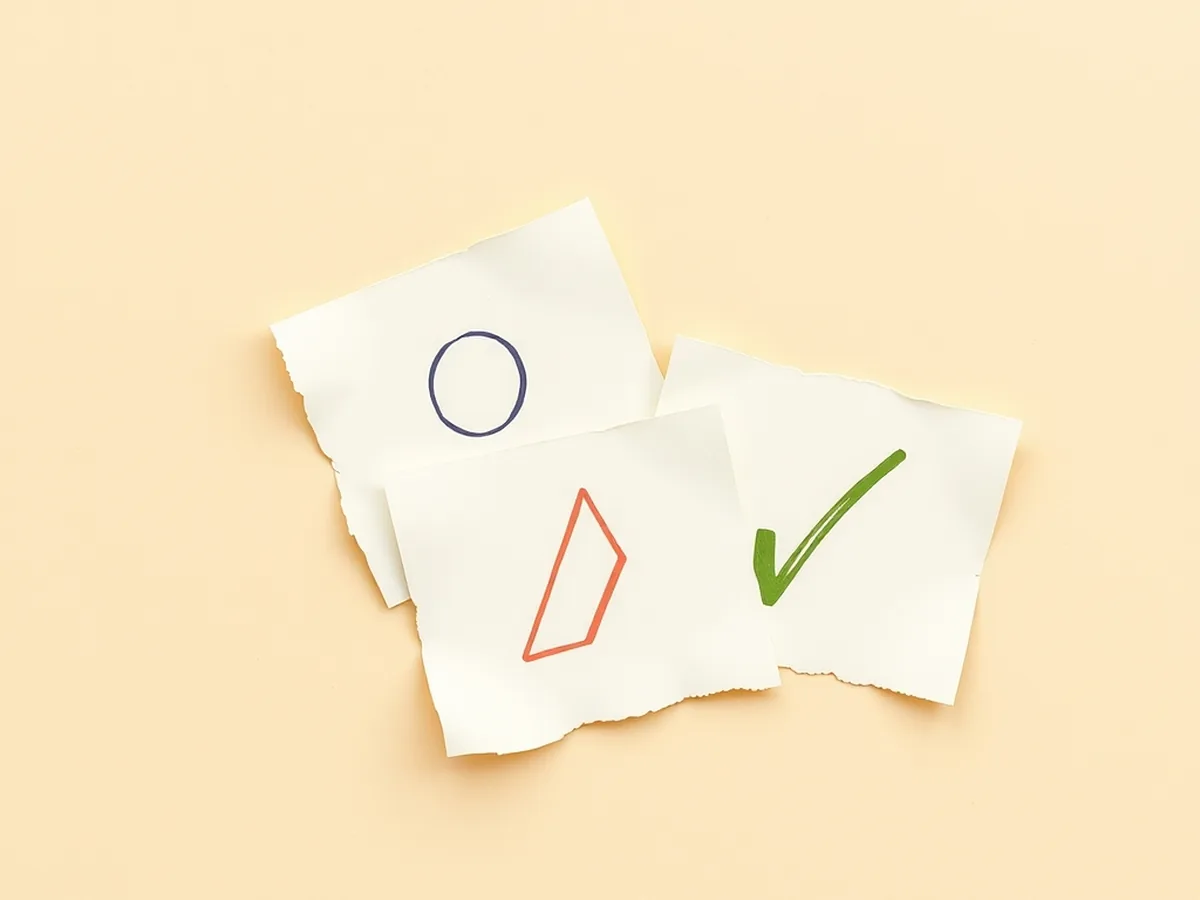
Students can simulate the full four-step loop with paper cards, no devices required. A typical class finishes in 20-30 minutes.
What is the activity structure?
The activity runs in two rounds, then a debrief. Each round takes roughly 8-10 minutes; debrief takes 5-8 minutes.
What to prepare. Create a set of 20-25 “waste item” cards — index cards or printed slips. Each card shows: a drawn shape, a color label, and (on a second line in small print) a letter code (R, G, or B) that represents its “NIR material type.” Students do not know the letter codes exist in round 1.
Round 1 — Visible properties only (simulates RGB camera). Students sort the deck by the one property they can see: color. Give each table group the same deck and a 3-bin system (red bin, green bin, blue bin — any labels work). They sort quickly. Record their bins.
Round 2 — Introduce the hidden attribute (simulates NIR sensor). Reveal the letter codes. Students now re-sort the same deck using only the letter codes, ignoring color. Some cards that looked the same in round 1 now go into different bins. Some cards that looked different in round 1 go into the same bin. Record the new bins.
Debrief questions. Run these as a short whole-class discussion:
- Which sort produced fewer errors against the “true” answer key? Why?
- Which cards tripped up the most students in round 1, and what does that tell us about RGB-only sorting?
- If a new card arrived with no letter code printed on it, what would a real NIR system do? (Answer: no spectral data → reject or misclassify — this maps to the black plastic paradox.)
- What would a company need to do to add a new material type to the robot’s classification system?
The last question plants the supervised-learning concept cleanly: the company would need to collect many labeled examples of the new material and retrain (or fine-tune) the model. That is exactly what “training data” means in a classroom a student can hold.
What standards does this lesson hit?
This activity earns documented standards coverage across AI4K12, ISTE, and CCSS — all citations by anchor code.
Which AI4K12 Big Ideas does it address?
Three of the five AI4K12 Big Ideas appear directly in the activity structure.
- AI4K12 Big Idea #1 — Perception: sensors capture data from the physical world. The NIR sensor in step 2 of the pipeline is a direct instantiation of this concept — and round 1 vs round 2 of the activity makes students feel the difference between what an RGB camera perceives and what a spectral sensor perceives.
- AI4K12 Big Idea #3 — Learning: computers learn patterns from labeled data. The debrief question about adding a new material type lands squarely here. The supervised classification model is trained on labeled images — a concrete example of the Learning Big Idea.
- AI4K12 Big Idea #5 — Societal Impact: AI decisions have environmental, economic, and social consequences. The contamination statistics and the black-plastic paradox both belong here — systems designed to help sustainability have structural blind spots built into their training data and hardware design.
Which ISTE Student Standards does it hit?
- ISTE 1.1.d — Empowered Learner: students understand the fundamental concepts and operations of technology systems. The four-step pipeline teaches students how a real AI system processes physical inputs.
- ISTE 1.3.d — Knowledge Constructor: students build knowledge by actively exploring real-world issues and pursuing answers and solutions. The two-round sort puts students in the role of active investigator, not passive observer.
Does it connect to CCSS ELA?
CCSS.ELA-LITERACY.SL.7.1 (engage effectively in collaborative discussion, building on others’ ideas) governs the four debrief questions. The discussion requires students to cite evidence from their own sorting results — not just share opinions.
| Activity step | Primary standard anchor |
|---|---|
| Reading the 4-step pipeline | AI4K12 Big Idea #1 (Perception) |
| Round 1 — visible sort | AI4K12 Big Idea #1 (Perception) |
| Round 2 — hidden attribute sort | AI4K12 Big Idea #3 (Learning) |
| New-material-type debrief question | AI4K12 Big Idea #3 (Learning) |
| Contamination + black-plastic debrief | AI4K12 Big Idea #5 (Societal Impact) |
| Full debrief discussion | CCSS.ELA-LITERACY.SL.7.1; ISTE 1.3.d |
| Four-step pipeline comprehension | ISTE 1.1.d |
Standards source: ISTE Student Standards. ISTE is a registered trademark of the International Society for Technology in Education. These resources are not affiliated with or endorsed by ISTE.
Ready-to-use resources for this lesson
If the unplugged simulation above is the right entry point, the Machine Learning Lesson — Supervised vs Unsupervised Activity (grades 6-8) on TPT is the structured version: cards printed, sort activity scripted, debrief questions sequenced, and the supervised-vs-unsupervised distinction made explicit in student language. It pairs directly with the recycling robot pipeline because the robot’s classification model is a textbook supervised-learning example.
For a deeper AI mechanisms sequence — covering the full ML and AI concept arc from perception through societal impact — the How AI Works MEGA bundle (16 lessons, grades 6-12) gives you a progression from this lesson through prediction, neural nets, and real-world AI error analysis. The recycling robot lesson works as a standalone unit opener or as lesson 3-4 in that sequence.
If your class is in a STEM or science context, the AI for Science Complete Curriculum (17 lessons, grades 6-12) situates AI mechanisms — including computer vision and environmental applications — inside the science practices students already know from their content-area class.
For the broader AI literacy arc, the post How AI Detects Credit Card Fraud — Middle School covers the same supervised-learning pipeline in a financial context, useful for differentiation or a follow-up lesson that proves the mechanism transfers. The unplugged machine learning activities for middle school post collects no-device variations if access is a constraint.
Browse the full catalog at /shop.
Most teachers who find this post are doing exactly what good teachers do: building something real out of a topic that keeps changing. The mechanism you just read — four steps, one sensor limitation, four failure modes — is the stable core. It will still be true when the robots get faster. That stability is what makes it worth teaching. Bring it to your class this week.
This post was drafted with AI assistance and human-finalized.
Quick questions
An AI recycling robot uses cameras and near-infrared sensors to scan items on a conveyor belt, then a supervised machine-learning model classifies each piece by material type, and a robotic arm or air jet routes it into the correct bin. The four-step loop — belt, scan, classify, pick — is concrete enough for grades 6-8 to simulate unplugged.
Black plastic contains carbon black pigment, which absorbs the full near-infrared spectrum (approximately 750-2500 nm) and reflects almost nothing back to the sensor. The robot receives no usable spectral data, so it cannot identify the material — making black forks and takeout containers one of the most commonly misrouted items in automated recycling facilities.
A well-designed lesson covers AI4K12 Big Ideas 1 (Perception), 3 (Learning), and 5 (Societal Impact); ISTE 1.1.d (Empowered Learner) and ISTE 1.3.d (Knowledge Constructor); and CCSS.ELA-LITERACY.SL.7.1 for the collaborative debrief discussion.
Get the free AI-Proof Assignment Toolkit
10 ways to redesign any assignment so an AI chatbot structurally can't do it — plus a redesign worksheet, a 45-minute lesson, the “Spot AI Work” card, and parent templates. One email, all 5 pieces.
Prefer the full breakdown? See everything inside the toolkit →