Hour of Code AI Activities for Middle School

CS Education Week email lands in an ELA inbox every November. One line: “Would you run something for CS Ed Week?” No plan attached. No budget. No prep time. If you are not a computer science teacher — and statistically, most middle school teachers are not — that email drops like a homework assignment with no rubric. The honest truth is that the tools for running an AI hour in a non-CS classroom were never built for you. That is not a reflection of your skills. It is a gap nobody handed you a plan to close.
Here is the plan.
TL;DR: The best AI Hour of Code activities for middle school do not require coding. Since Code.org rebranded “Hour of Code” as “Hour of AI” in October 2025 (The Journal, Oct. 2, 2025), the initiative focuses on AI concepts — machine learning, bias, societal impact — not block-coding games. A 7th-grade ELA teacher, a science teacher, and a social studies teacher can each run a 60-minute AI literacy session with no devices or with one device per group. The five activities below, plus a minute-by-minute pacing plan, give any subject-area teacher a complete AI hour of code lesson plan for middle school.
What is the Hour of AI — and what changed from Hour of Code?
Code.org officially rebranded “Hour of Code” as “Hour of AI” in October 2025, shifting the initiative’s focus from introductory block-coding games to AI concepts, ethics, and society. Teachers who still search “hour of code AI activities middle school” will find the same program — it now just carries the AI-forward name.
What that means practically: an AI hour is not a coding task. Students are not expected to write a script, debug Python, or build an app. The activity is conceptual. Students might train a simple image classifier, sort a dataset to find bias, or trace how a recommendation algorithm decides what they see next. The underlying skill is AI4K12 Big Idea #3 (Learning) — computers learn from data, and students learn what that actually means by doing something with data themselves. Code.org’s rebrand recognized what classroom teachers already noticed: the literacy question (“what is this thing?”) matters more right now than the coding question (“how do I build one?”).
Do you have to be a CS teacher to run it?
No. An AI hour is a literacy activity, not a technical one. The gap most non-CS teachers feel is real — but it is a curricular gap, not a competence gap. The plan was never handed to you. Here is the subject-area entry point that fits where you already teach:
- ELA teachers: Frame the AI hour around authorship and reliability. Who wrote this? How do we verify it? A sentiment-analysis activity or a spot-the-bias card sort sits inside your existing media-literacy strand without any detour into computer science.
- Science teachers: Connect the hour to data collection and pattern recognition — the same scientific method moves your students already practice. A Teachable Machine image classifier is, at its core, an experiment with a training set and a test result.
- Social studies teachers: AI in decision-making, algorithmic bias in hiring or lending, and AI’s role in elections are civics content. The AI hour becomes a current-events discussion with an interactive hook.
For a full cross-subject entry point — including a first lesson on what AI is and is not — the Middle School AI Foundations bundle (P312 on TPT) gives the conceptual groundwork any subject-area teacher can run before or during CS Ed Week.
5 AI Hour of Code activities for middle school
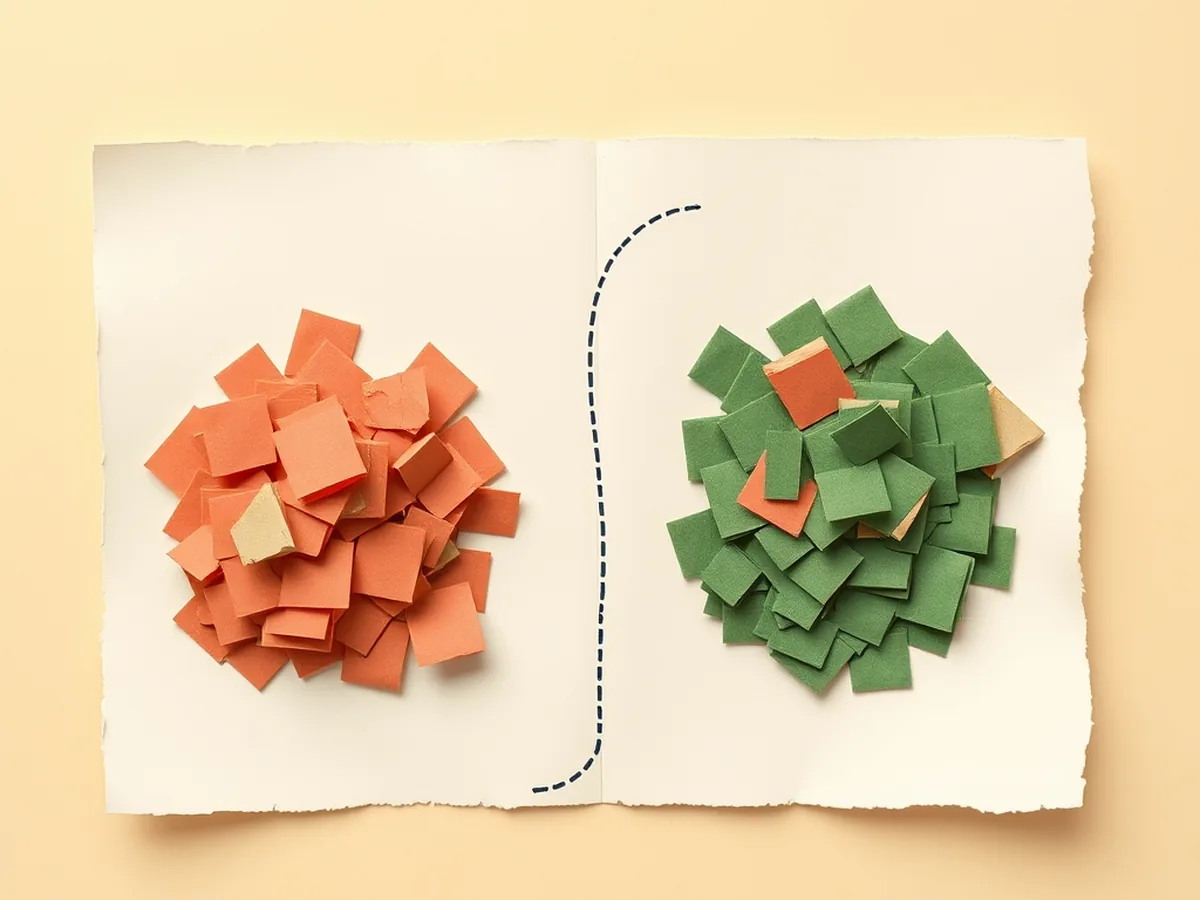
These five activities cover the main AI concepts in the Hour of AI initiative. Each is scoped to one 60-minute class period. Device requirements vary — the devices column tells you at a glance which ones run without a single screen.
| Activity | AI concept | Time | Devices? |
|---|---|---|---|
| Teachable Machine image classifier | Machine learning, training data | 45 min | 1 per pair |
| Spot-the-AI-bias card sort | Algorithmic bias, fairness | 30 min | No |
| Train-a-chatbot prompt lab | Natural language, input/output | 40 min | 1 per group |
| Sentiment analysis word map | Pattern recognition, inference | 35 min | Optional |
| Human neural network chain (unplugged) | Neural networks, signal flow | 25 min | No |
Teachable Machine image classifier. Google’s Teachable Machine (teachablemachine.withgoogle.com) lets students train a simple image model with their laptop camera in about 15 minutes. A 7th-grade science class might train it to distinguish two rock types; an ELA class might train it on “confident writing posture” versus “slouched.” The point is not the output — it is watching the model fail when the training data is too small or too similar, which makes AI4K12 Big Idea #3 (Learning) tangible.
Spot-the-AI-bias card sort. Print a set of 20 scenario cards: loan approvals, facial recognition results, job-posting language. Students sort into “fair” and “possibly biased” piles, then defend their reasoning. No devices needed. The debrief question — “where did the bias come from, the AI or the data?” — lands squarely in AI4K12 Big Idea #5 (Societal Impact) and generates the best whole-class discussion of CS Ed Week.
Train-a-chatbot prompt lab. Pairs of students give a chatbot the same question with increasingly precise prompts, recording how the output changes. They are not coding — they are experimenting. One device per group is enough. This connects to ISTE 1.5.d (algorithmic thinking — understanding the relationship between inputs and outputs) without using the word “algorithm” until students have already seen it in action.
Sentiment analysis word map. Students rate a set of 30 words as positive, negative, or neutral, then compare their human ratings against a free online sentiment analyzer. The disagreements — words humans rate as neutral that the AI flags as negative — become a discussion about training data, cultural context, and the limits of pattern matching.
Human neural network chain (unplugged). Arrange the class in rows. Each student receives a card with a simple rule: “if the signal is 3 or more, pass a 1 forward; otherwise pass a 0.” A number starts at the back row and passes forward, transformed at each node. Students observe that no one person made the final decision — the answer emerged from the chain. This is the most memorable unplugged AI hour of code activity because students become the network. No devices required.
The How AI Works MEGA Bundle (P500.14 on TPT) packages 16 machine-learning concept lessons — including ready-to-print card sort sets and structured versions of several activities above — for grades 6-12.
No devices? An unplugged AI hour

A device shortage is not a reason to skip CS Ed Week. The unplugged AI hour is one of the most credible gaps in the “AI hour of code lesson plan middle school” space — most published guides assume one device per student, which is not the reality in most buildings.
The human neural network chain above works as a standalone 25-minute activity. A paper training-data sort works even faster: print a grid of 30 small images (cats and dogs, handwritten numbers, weather patterns). Students physically sort them into labeled piles, then you reveal that this exact task — done at scale by millions of labeled examples — is how an image classifier learns. The paper becomes the dataset. The students become the labeling team. The AI concept lands without a single browser tab.
For a full no-tech approach across a week or a semester, the Paper AI Investigation Year-Long Pack (P498 on TPT) gives 36 weekly no-tech investigations for grades 6-8 — every one printable, no login required.
Two companion posts go deeper on this: the unplugged machine learning activities for middle school post covers station-rotation formats, and the AI lesson plan for classrooms with no computers handles the full-period no-device version.
A minute-by-minute AI hour of code lesson plan

No competitor publishes a pacing guide for an AI hour at the middle school level. Most stop at activity descriptions. A class period is 50-60 minutes, and the margin between a smooth AI hour and a chaotic one is almost entirely in the transitions. Here is the full arc:
- 0–5 min — Hook. Project one image or one question. The bias card sort works: show a facial recognition result that misidentifies a dark-skinned face but correctly identifies a light-skinned one. Ask: “Is this a technology problem or a data problem?” Students think-pair-share. Do not answer it yet.
- 5–15 min — Concept intro. Introduce the AI concept for the day in one slide or one diagram: machines learn from labeled examples. More examples plus better labels means better predictions. Fewer examples plus skewed labels means bias. Keep this under 10 minutes. The activity teaches more than the intro.
- 15–45 min — Main activity. Run one of the five activities above. Circulate. Prompt with two questions only: “What surprised you?” and “What would happen if we changed the training data?” These questions hit ISTE 1.3.d — build knowledge by actively exploring real-world issues and pursuing answers to authentic questions.
- 45–55 min — Debrief. Bring the class back to the hook question. Has the answer changed? Students who ran the image classifier will say “both” — the technology reflects the data, and the data reflects the people who labeled it. That is the insight. Name it explicitly.
- 55–60 min — Exit ticket. One sentence on a card or a digital form: “Name one place AI makes a decision that affects people. What could go wrong if the training data was biased?” Collect. This becomes your evidence of learning for the administrator who asked you to run the hour in the first place.
The whole arc is repeatable. A teacher who runs it once in November can run a modified version in February (bias in hiring algorithms), in April during Earth Day (AI in satellite imagery), or on any week with a current-events AI story worth discussing.
How does an AI hour map to standards?
An AI hour is not a standalone novelty — it hits real standards anchors across ISTE and AI4K12. The table below shows how the five activity steps map, so the conversation with an administrator or instructional coach stays specific.
| Activity step | ISTE | AI4K12 |
|---|---|---|
| Hook (bias image, think-pair-share) | 1.2.b — positive, safe, legal, ethical behavior | Big Idea #5 — Societal Impact |
| Concept intro (learning from data) | 1.5.c — decompose problems into component parts | Big Idea #3 — Learning |
| Main activity (hands-on experiment) | 1.3.d — build knowledge exploring real-world issues | Big Idea #3 — Learning |
| Debrief (cause of bias) | 1.5.d — algorithmic thinking, inputs/outputs | Big Idea #1 — Perception |
| Exit ticket (written reflection) | 1.3.d — actively pursuing authentic questions | Big Idea #5 — Societal Impact |
ISTE 1.5.d covers algorithmic thinking — the explicit link between the inputs a model receives, the rules it applies, and the outputs it produces. AI4K12 Big Idea #1 (Perception) covers how machines sense and interpret the world, which is the mechanism behind both the image classifier activity and the neural network chain.
Teaching grades 9-12? The High School AI Hour of Code Bundle (P456 on TPT) runs the same Hour of AI arc at the AP CS Bridge and machine-learning level — full teacher guide, student pages, and the standards documentation a department chair expects.
Standards source: ISTE Student Standards. ISTE is a registered trademark of the International Society for Technology in Education. These resources are not affiliated with or endorsed by ISTE.
The email that landed in your inbox asking you to “do something for CS Ed Week” did not come with a plan because nobody built the right plan for non-CS teachers — until now. An AI hour is not a coding task. It is a literacy activity, and literacy is your territory. Start with the activity that fits your subject, run the 60-minute arc above, collect the exit tickets, and hand your administrator exactly the evidence they asked for. Everything you need is at the shop, or grab a free starting point at the free resources page.
This post was drafted with AI assistance and human-finalized.
Quick questions
Yes. Since Code.org rebranded Hour of Code as Hour of AI in October 2025, the activities focus on AI concepts and ethics — machine learning, bias, societal impact — not block-coding. ELA, science, and social studies teachers each have a direct subject-area entry point, and several of the five activities here require no devices at all.
Two strong options: a human neural network chain where students pass signals through rows following simple rules, and a paper training-data sort where students physically label images the way a machine learning model is trained. Both take under 30 minutes, require only printed materials, and teach the same AI concepts as device-based activities.
Get the free AI-Proof Assignment Toolkit
10 ways to redesign any assignment so an AI chatbot structurally can't do it — plus a redesign worksheet, a 45-minute lesson, the “Spot AI Work” card, and parent templates. One email, all 5 pieces.
Prefer the full breakdown? See everything inside the toolkit →