How AI Reads Handwriting: An OCR Lesson for Middle School

A student holds up their phone, points Google Lens at a page of their own cursive notes, and watches it turn “Tuesday” into “ruasdoy.” They look at you and ask, “Why did it do THAT?” — and for a moment, the honest answer is: you’re not sure. That moment is not a sign that you’re behind. AI chaos is a literacy gap, not your fault. You don’t need a computer science degree to explain what just happened. You need a four-step mental model — and that’s exactly what this post gives you.
TL;DR: OCR (optical character recognition) turns a photo of handwriting or print into editable text through four steps: clean the image, split it into individual characters, run each character through a neural network trained on millions of letter images to guess what it is, then pass the raw output through a language model that checks against real words and fixes obvious errors. The system is nearly perfect on clean printed digits and still shaky on cursive, low-contrast scans, and non-Latin scripts.
How does AI actually read handwriting?
OCR works in four stages. Here they are in plain English, mapped to the jargon you might hear in a press release.
Stage 1 — Preprocessing (the “clean the photo” step). The app converts the image to high-contrast black and white, straightens tilted lines, and strips out shadows. Think of it as photocopying the page on a very picky machine before anyone tries to read it.
Stage 2 — Segmentation (the “find where each letter starts and stops” step). Software draws invisible boxes around individual characters. For neatly spaced block print, this is straightforward. For cursive — where letters connect and flow into each other — the boundary between an “n” and a “u” can be genuinely ambiguous. This is the hardest step for handwriting, and it’s the first place errors enter the pipeline.
Stage 3 — Classification (the “neural-network pattern-match” step). A convolutional neural network (CNN) — a type of AI trained on millions of labeled letter images — looks at each segmented box and picks the most probable character. “Probable” is the key word. The network was trained on labeled data, so it recognizes patterns it has seen before. New handwriting styles, unusual fonts, or characters from scripts underrepresented in training data produce lower confidence scores and more errors.
Stage 4 — Language-model correction (the “context-aware spell-check” step). The raw character string goes to a language model that checks it against real words and phrases. When Stage 3 outputs “h0use,” Stage 4 fixes it to “house” because the surrounding words make the intended meaning clear. OCR works better in languages with large text corpora because the correction model has more signal to draw on — another reason non-English and lower-resource-language scripts are harder.
Where do you already see OCR working?
OCR is not a new idea dressed in AI clothing. It has been running the infrastructure around your students for decades.
USPS handwritten-address sorting. Since 1997, the U.S. Postal Service has used a handwriting-recognition system developed at the State University of New York at Buffalo (the CEDAR project) to route mail. By Christmas 1998, the system was processing roughly 400 million pieces of mail and had saved the Postal Service at least $90 million in its first year of full operation. (Source: Government Executive, 1999) Early handwritten-address accuracy in real conditions ran between 30 and 40 percent — functional, but far from perfect.
Google Lens handwriting-to-text. Since 2020, Google Lens has let anyone point a phone camera at handwritten notes and receive editable text in return. The feature works best on neat, well-spaced handwriting; the product’s own documentation notes it needs clear letter forms to avoid errors. (Source: The Jakarta Post, 2020)
Transkribus historical-archive transcription. Researchers and librarians use Transkribus to read historical manuscripts. Its Text Titan model was trained on more than 30 million words of archival text and is used by institutions including the British Library. (Source: Transkribus)
Bank check processing. When a check is deposited, OCR reads the numeric MICR line at the bottom — the machine-ink characters — and then reads the handwritten “courtesy amount” (the numbers in the box). The MICR line is nearly error-free; the handwritten amount is where edge-case failures happen.
License-plate recognition. Parking garages and toll systems use OCR to read plates. Average accuracy in controlled conditions runs around 90 percent, but on challenging real-road data — motion blur, angle, partial obstruction — accuracy can drop below 70 percent.
Why does my phone misread handwriting?
Not every failure is the same failure. A quick look at the most common error modes explains why OCR is reliable for one thing and unreliable for another.
| What breaks OCR | Why | Real number |
|---|---|---|
| Ambiguous glyphs (0 vs O, 1 vs l vs I) | Visually near-identical; both are valid characters | ~5% character misrecognition in multi-font OCR tests (Parseur) |
| Cursive / messy handwriting | Connected strokes blur Stage 2 segmentation; individual letters can’t be isolated cleanly | Best systems reach only 60–85% character accuracy on cursive (Parseur) |
| Low-contrast or degraded scans | Shadows, ink bleed, folds, and coffee stains hide stroke edges | Open-source engines top out at 88–94% on degraded documents |
| Non-Latin and low-resource scripts | Little training data in Stage 3; the correction model in Stage 4 also has sparse word coverage | Best 2026 models correctly transcribe fewer than 7.7% of sentences in low-resource scripts (GlotOCR Bench, arXiv 2026) — and may still output confident-looking wrong text in scripts it partially knows |
| Historical handwriting | Old letterforms and spelling conventions differ from modern training data | Substantial errors even for specialized tools, even with Transkribus |
That last row is worth pausing on: OCR can fail silently. The app doesn’t always tell you it’s unsure. It outputs confident-looking text that may be wrong — the same lesson students are learning about large language models in general. The confidence of the output is not the accuracy of the output. That’s an AI literacy takeaway worth putting on the board.
How good is OCR, really?
The honest answer is: it depends entirely on what it’s reading.
On the MNIST benchmark — clean, printed, handwritten digits in a constrained format — the best models reach 99.84% accuracy, which surpasses human performance. For a single digit in a well-lit, straight-on photo, OCR is essentially solved.
Move to continuous cursive English handwriting — the IAM handwriting database, the standard research benchmark — and the best 2026 models achieve roughly 1–1.5% character error rate on clean samples. That sounds small, but errors compound at the word and sentence level: a paragraph of cursive may still land with several wrong words even at low per-character error rates.
Move to low-resource scripts — languages with small digital text corpora — and the same models correctly transcribe fewer than 7.7% of sentences (GlotOCR Bench, arXiv 2026). Nearly nine out of ten attempts fail.
The one-line calibration for a 7th-grade class: OCR is a calculator for clean print and a rough guesser for messy human handwriting. How good it is depends entirely on what kind of writing you point it at.
A no-device “Be the OCR” lesson (about 45 minutes)
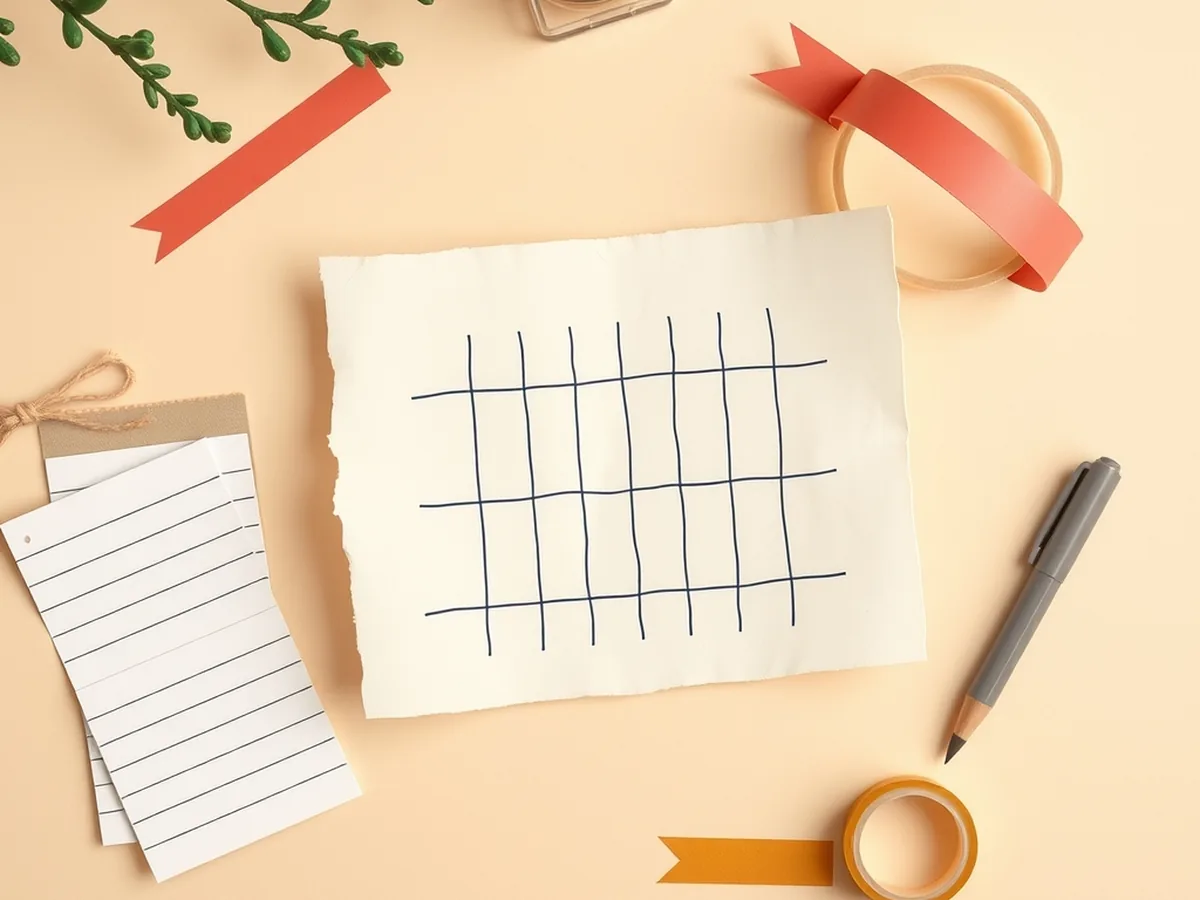
This activity runs with zero technology. Students physically act out the four-stage pipeline, which means the lesson works in a computer lab, a regular classroom, or a room where the Wi-Fi is down. A typical class finishes in about 45 minutes.
Before running this, connecting to how generative AI works and unplugged machine learning activities gives students the broader AI context that makes the OCR pipeline make sense.
What you’ll need
- A set of index cards, each with a single word written in messy or mixed-case handwriting (prepare 6–8 cards; include at least one with “0” that could be read as “O,” and one that ends in cursive)
- A grid worksheet: a simple table with one column per letter-box (print a blank 10-column grid on a half-sheet)
- A set of “template cards” — index cards, each showing one printed letter of the alphabet in your own handwriting
Pacing, minute by minute
Minutes 0–5: Hook — you are the scanner. Pass a card around the room face-down. On a count of three, everyone flips it and writes exactly what they see on a blank slip of paper. Collect the slips. Read a few aloud. The spread of guesses is Stage 2 failure in action.
Minutes 5–15: Stages 1 and 2 — clean and segment. Hand each pair a grid worksheet and a card with a messy handwritten word. Their job: write one letter per box. For the cursive cards, ask: “Where does this letter end and the next one begin?” The confusion that breaks out in the room is genuine segmentation ambiguity — not a trick, the actual computational problem.
Minutes 15–30: Stage 3 — classification. Spread the template cards on a central table. Each pair takes their segmented grid and tries to match each box to the nearest template card. When they hit the 0/O card, let the disagreement surface. How do they decide? Vote? Pick the one that makes a word? That decision rule is exactly what a CNN does — except it’s been trained on millions of examples and makes the call in milliseconds.
Minutes 30–40: Stage 4 — language-model correction. Each pair now has a raw string of characters, possibly with errors. Give them one rule: “Fix it so it’s a real English word, using the surrounding context.” Students who caught a “h0use” pattern fix it immediately. Students whose segmentation was off in Stage 2 may now produce an unfixable string — and that’s the lesson. Garbage into Stage 2 means garbage out of Stage 4.
Minutes 40–45: Debrief. Ask three questions: Which stage caused the most errors in your group? Would your phone do better on a typed document? What would happen if you pointed Google Lens at a page of Arabic script or Vietnamese handwriting if the training data was mostly English? That third question is the equity angle — and it connects directly to why facial recognition also fails unevenly across populations.
Standards crosswalk
| Activity step | Standard code |
|---|---|
| Hook (observe + notice discrepancies) | ISTE 1.3.d — build knowledge by actively exploring real-world issues |
| Classification + correction (evaluate output accuracy) | ISTE 1.3.b — evaluate accuracy, credibility, and relevance of information |
| Segmentation work (hands-on data representation) | AI4K12 Big Idea #3 — machines learn from data |
| Equity debrief (non-English scripts / training gaps) | AI4K12 Big Idea #5 — societal impact |
| Pair discussion throughout | CCSS.ELA-LITERACY.SL.7.1 — collaborative discussion |
| Debrief written reflection | CCSS.ELA-LITERACY.W.7.8 — gather information, assess credibility |
Standards source: ISTE Student Standards. ISTE is a registered trademark of the International Society for Technology in Education. These resources are not affiliated with or endorsed by ISTE. AI4K12 Big Ideas at ai4k12.org.
If you want a printable version of this activity with the template cards pre-formatted and a student reflection sheet included, the Unplugged AI Activities bundle (10 no-tech lessons, grades 6–8) includes a version you can run without cutting up index cards by hand. For a deeper dive into how AI systems can produce unfair or biased results — the equity thread that started in the debrief — the Advanced Unplugged AI Simulation (80 cards, confusion matrix + bias, grades 6–8) extends the conversation into a full data-and-bias investigation.
And if you want the full unit arc that puts OCR inside a broader “how does AI actually work” sequence, the How AI Works MEGA bundle (16 machine learning and AI concept lessons, grades 6–12) is the place to start. The AI chaos your students encounter is a literacy gap — and you now have the four-step map to close it.
This post was drafted with AI assistance and human-finalized.
Quick questions
Sometimes, but poorly. Even the best handwriting-recognition systems reach only about 60–85% character accuracy on cursive or messy writing, versus 99%+ on clean printed digits. The trouble starts at the segmentation step: cursive connects letters, so the software struggles to tell where one character ends and the next begins. A neat block-printed note scans far more reliably than a page of flowing cursive.
Four stages. First, preprocessing cleans the image into high-contrast black and white. Second, segmentation draws invisible boxes around each character. Third, a neural network trained on millions of labeled letter images guesses the most probable character in each box. Fourth, a language model checks the raw output against real words and fixes obvious errors, turning 'h0use' into 'house' using context.
Because OCR guesses from visual shapes, and some shapes are ambiguous. Pairs like 0 and O, or 1 and l and I, look nearly identical. Low contrast, shadows, and connected cursive strokes hide where letters begin and end. When the system is unsure, it often outputs confident-looking text that is simply wrong rather than flagging its own doubt.
Get the free AI-Proof Assignment Toolkit
10 ways to redesign any assignment so an AI chatbot structurally can't do it — plus a redesign worksheet, a 45-minute lesson, the “Spot AI Work” card, and parent templates. One email, all 5 pieces.
Prefer the full breakdown? See everything inside the toolkit →