Video Doorbell AI: A Middle School Lesson on How It Works
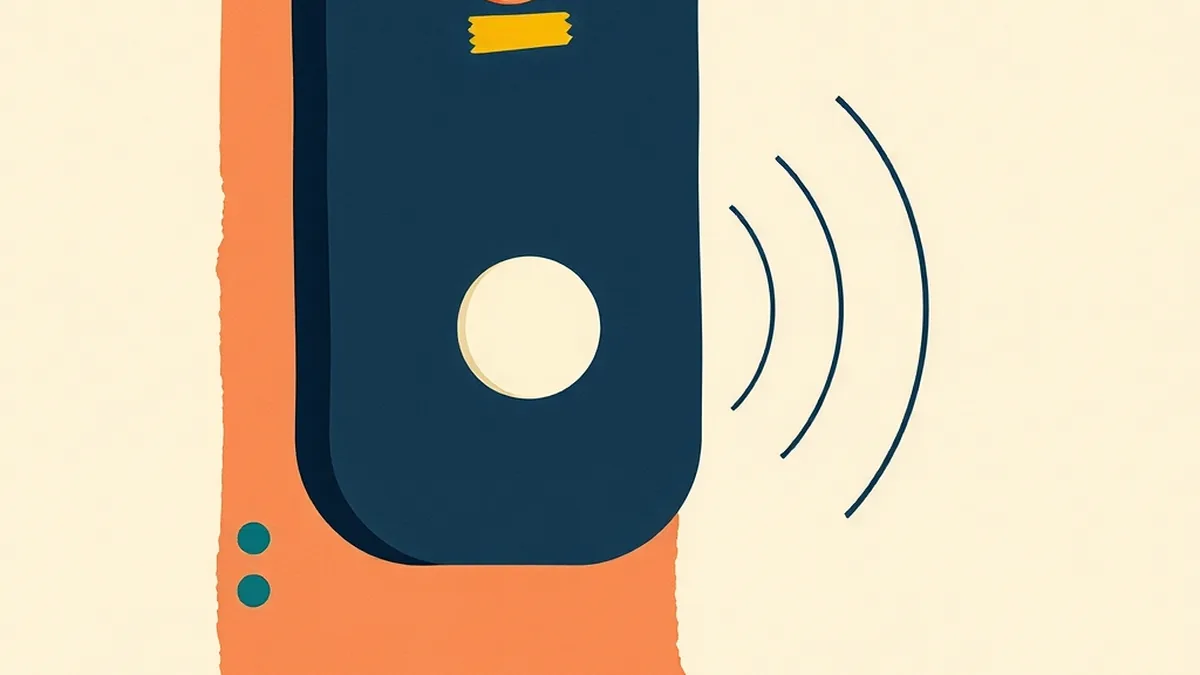
The notification came through at 6:47 a.m. on a Thursday: “Person detected at front door.” A parent opened the app, saw the front porch, and found — nothing. A wind-nudged recycling bin had triggered the motion sensor. Four minutes later: another alert. This time a package had arrived, but the camera labeled it “vehicle.” The package sat there undetected until the afternoon. The parent assumed the camera was broken. It wasn’t broken at all — it was doing exactly what it was trained to do, and both calls were technically correct given what it knew. That gap between “what the device said” and “what a person would have understood” is not a glitch. It is the whole lesson.
Students — and plenty of adults — treat a video doorbell alert as magic that “just knows.” A shape appears, the camera recognizes it, done. That assumption skips two discrete mechanical stages, a confidence threshold, a training dataset, and about five ways the system fails that the product packaging never mentions. Once a student understands those stages, they stop asking “why does my doorbell keep sending false alerts?” and start asking “what confidence score would I set, and who bears the cost of a false positive?” That is the literacy shift this lesson is built around — and the fact that nobody handed students that vocabulary is not their failing, it is a gap we can close.
TL;DR — how do video doorbells detect people and packages?
A video doorbell uses two separate stages. Stage 1: a passive infrared sensor detects heat movement and wakes the camera, then pixel-comparison software flags that something changed in the frame. Stage 2: a convolutional neural network — a type of image-recognition AI — analyzes the shape and classifies it as a person, package, vehicle, pet, or unknown, then outputs a confidence score. The camera only sends an alert if that score clears a preset threshold. The AI matches visual patterns from training data; it does not understand what it sees, and it does not identify who a person is. That detection-not-recognition distinction is the core concept of this video doorbell AI lesson for middle school.
How does a video doorbell know something moved?

A video doorbell does not watch your porch continuously. That would drain the battery in hours and burn through your home WiFi. Instead, it relies on a passive infrared sensor — a PIR — to do a cheap, low-power first check.
PIR sensors detect changes in infrared radiation, which bodies and warm objects emit as heat. When a warm mass moves through the sensor’s field of view, the PIR fires. The camera wakes up, records a short clip, and hands off to the next stage.
At the same time, the camera runs pixel-delta analysis: it compares consecutive frames to find regions where pixel values changed significantly. If a shadow shifts or a branch sways, the motion flag may still fire — the pixel algorithm does not know what caused the change, only that something moved.
This entire stage — PIR + pixel-delta — addresses AI4K12 Big Idea #1 (Perception). Machines gather input from the world through sensors before any “thinking” begins. The PIR is the sensory nerve ending. The camera is the eye opening. Neither one yet knows if what moved was a person, a package, or a stray cat.
One classroom entry point for Stage 1: ask students what the sensor “knows” at this point. The honest answer is almost nothing — only that some pixel region changed. Everything interesting happens in Stage 2.
How does it tell a person from a package or a cat?
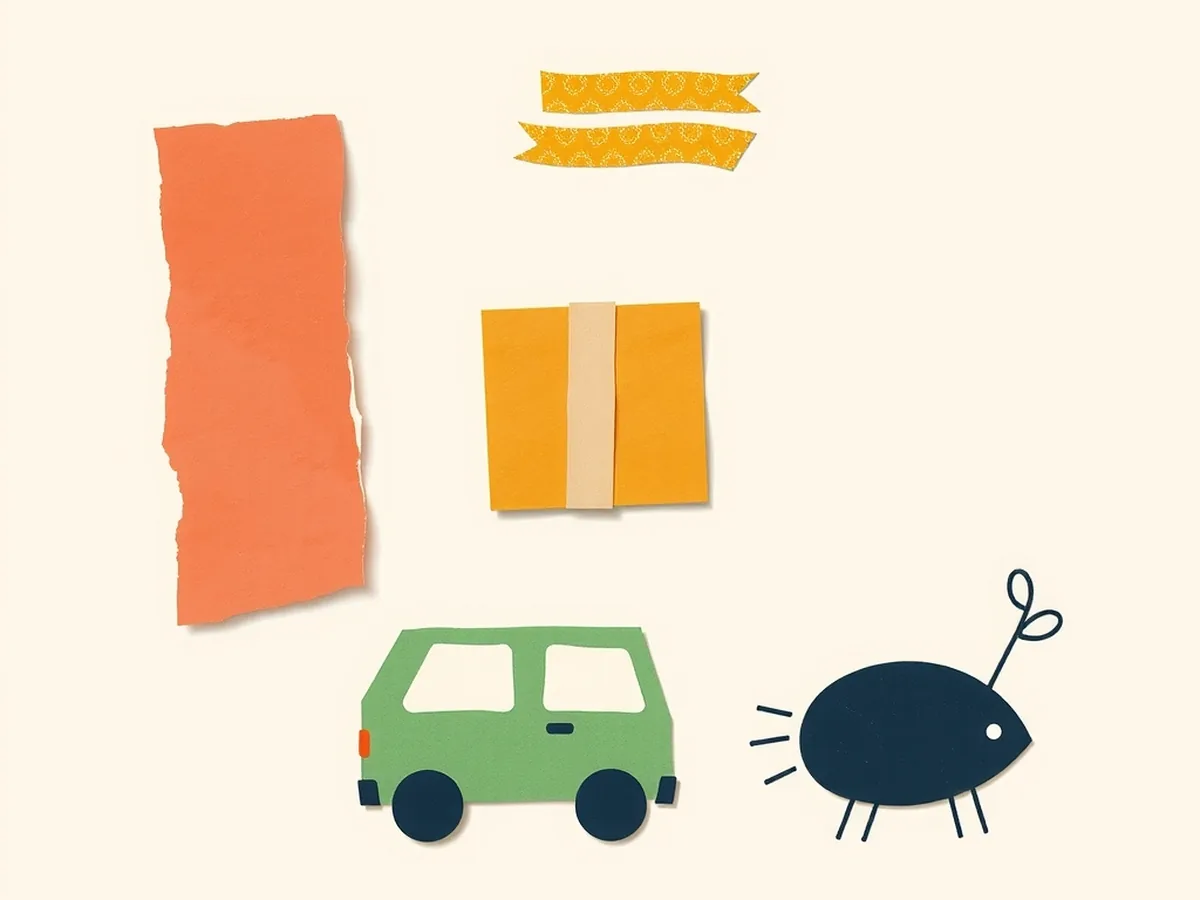
Once motion fires, the camera passes the image frame to a classifier — usually a convolutional neural network (CNN). This is where detection happens.
A CNN processes the visual shape in the frame and scores it against categories it learned during training:
- Person (upright blob, certain height-to-width ratio, limb-shaped edges)
- Vehicle (wide, low, rectangular)
- Pet/animal (four-legged shape, low center of gravity)
- Package (rectangular box, flat edges, often near the door step)
- Unknown (anything that does not match well enough)
The model was trained on hundreds of thousands of labeled images — examples where humans tagged each image with the correct category. This is AI4K12 Big Idea #3: the system learned from data, not from rules someone typed in.
The key output is a confidence score. A number between 0 and 1. Wyze, for instance, surfaces a “person” alert only when the model’s confidence score clears a threshold — historically around 0.5, though the exact figure varies by firmware and plan tier. Below the threshold, no alert. The doorbell does not say “I’m certain a person is there.” It says “my confidence is 0.72 — that passes the bar, so I’m alerting.”
The distinction that trips students up: this is detection, not recognition. The CNN does not know if the shape at the door is your neighbor or a delivery driver. It does not compare anyone to a face database. It matched a visual pattern to a trained category. For a post specifically on facial recognition and why identity-matching is a separate (and higher-stakes) system, see our facial recognition lesson plan.
How AI detects packages — and where the thinking happens
Package detection arrived later than person detection and is still not uniformly available across brands.
Ring launched package-specific alerts in September 2021. The feature is subscription-gated behind Ring Protect — without a paid plan, the app reports motion or a person, but does not label an unattended box as a package.
Nest (Google Home) runs person and package detection on-device at no extra charge for Nest Cam owners. Familiar-face identification — the feature that learns who is who — requires a Nest Aware subscription at roughly $8/month. Person and package detection does not need that upgrade; familiar-face ID does.
Wyze ran free on-device edge AI for person detection on its Cam v3 and earlier hardware. With the Cam v4 line, person detection moved behind a paid Cam Plus tier.
The pattern is consistent across all three brands: free detection is often a business decision, not a technical limit. The on-device model that can run package detection fits on a $20 camera. The subscription exists because the company needs a revenue model, not because the computation requires a cloud server.
This on-device versus cloud split matters for privacy, and students find it compelling. When processing happens on the device, your video frame never leaves your porch. When it routes to a cloud server for classification, a third party holds that data. ISTE 1.2.d (manage personal data to maintain digital privacy and security) gives this discussion a real anchor.
For a parallel classroom example of how everyday computer vision works in a different setting, the post on how self-checkout uses AI walks through the same CNN-classification architecture at retail scale.
Why does it keep calling a shadow a person?
This is the question students actually want answered after their parents complain about false alerts. Here is what the failure modes look like, and why each one happens:
| What the camera sees | What it labels | Why it fails |
|---|---|---|
| A branch swaying in wind | Motion alert | PIR fires on heat + pixel-delta fires on movement; Stage 2 never gets clean data |
| A leaping cat + its wall-shadow | Person | The merged blob — cat body plus upright shadow — hits the height-to-width ratio of a person shape |
| Package placed directly under a high-mounted camera | No detection | The package falls into the camera’s blind spot below the lens angle; no shape in frame |
| Strong backlight at dusk | Silhouetted unknown | The classifier needs texture and edge detail; a pure silhouette strips those features below threshold |
| Heavy rain or fog | Motion + low-confidence alerts | Image quality degrades; confidence scores drop and may fall just above or just below the threshold inconsistently |
The teaching point embedded in this table: a confidence score is a probability estimate, not a guarantee. False positives (wrongly calling something a person) and false negatives (missing a real person or package) are not equally costly. A false positive wakes someone up at 2 a.m. for nothing. A false negative means a package theft was not recorded. The threshold is a tradeoff dial — and someone made a choice about where to set it.
Security-industry reporting has long suggested that the vast majority of camera-triggered alarm activations are not caused by genuine intrusions — some monitoring companies put the figure as high as 98% [this figure circulates widely in security trade literature; treat it as a rough industry claim rather than a peer-reviewed statistic]. Whether or not that precise number holds for video doorbells specifically, the direction is clear: most motion events are not the event the homeowner cares about. The confidence threshold exists precisely to filter that noise, and it is imperfect by design.
Who else can see your doorbell video?
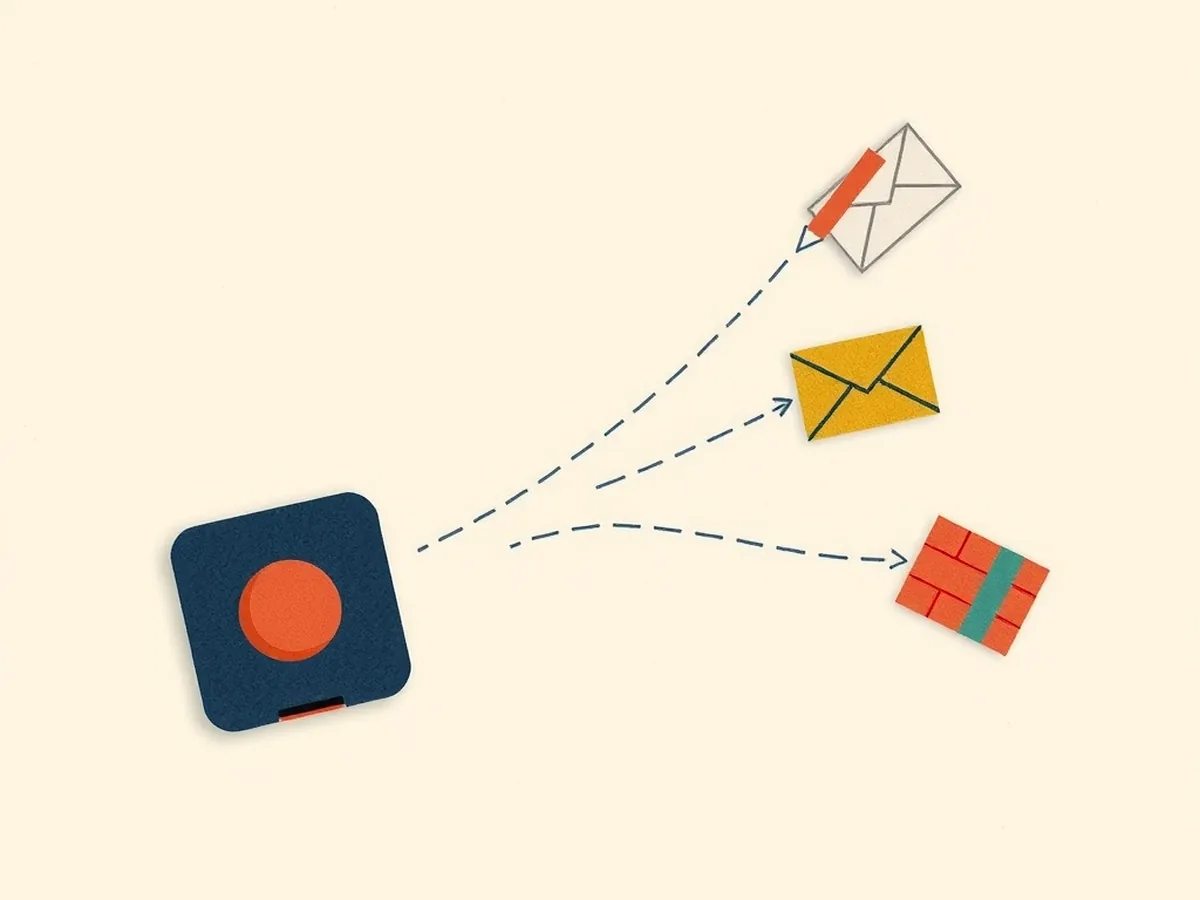
This is the civics section of the lesson, and it is more specific than most competing resources acknowledge. Three real events, in sequence:
May 2023 — Ring’s FTC settlement. The Federal Trade Commission alleged that Amazon/Ring had allowed employees and contractors broad access to customer videos. The FTC’s complaint included an allegation that one employee had viewed recordings of at least 81 female customers in private areas of their homes. Ring agreed to pay $5.8 million in customer refunds (distributed April 2024) and to a 20-year data-security review.
January 31, 2024 — Ring ended police video requests. Ring shut down its “Request for Assistance” feature, which had allowed law enforcement agencies to email Ring owners directly requesting footage — without a warrant. Owners could decline, but the emails often came from official-looking police accounts. The Electronic Frontier Foundation and other civil-liberties researchers had documented concerns that this feature created a de facto surveillance network built on homeowner opt-in.
2025 — the Axon reversal. Ring reversed course. The company partnered with Axon — which makes police body cameras — to relaunch a “Community Requests” feature, this time framed as opt-in for homeowners. Critics including the EFF renewed their concerns. Ring’s Neighbors app, the social-feed layer on top of the camera product, has also been the subject of reporting about racially disparate descriptions of people flagged by users; reporting has found patterns of over-reporting of Black and Latino individuals, though a comprehensive peer-reviewed study of the full dataset does not exist as of this writing.
Standards anchors for this section: AI4K12 Big Idea #5 (Societal Impact — AI affects communities beyond the individual user) and ISTE 1.2.d (managing personal data and privacy). The student question worth sitting with: if you install a camera on your porch, who decides what happens to that footage — you, your internet provider, the camera company, or law enforcement?
A no-device lesson: Be the Doorbell Classifier
This activity takes roughly 45 minutes, needs no technology, and works with any class size from 15 to 35.
What you need. A set of 20-30 image scenario cards (written descriptions work fine if you cannot print photos — e.g., “a person in a puffy winter coat standing still, facing away from the camera”). Sort into four standard categories: person, package, vehicle, animal. Add 6-8 “trick round” cards: ambiguous scenarios the classifier would genuinely struggle with.
Minute-by-minute pacing:
- 0-5 min — Hook. Show the class a phone-notification screenshot: “Person detected at front door.” Ask: how did the camera know? Take three or four quick responses. Do not correct yet.
- 5-15 min — Mechanism mini-lecture. Introduce Stage 1 (PIR + pixel-delta) and Stage 2 (CNN + confidence score). Draw the two-stage diagram. Introduce the categories the classifier knows, and confidence as a number from 0 to 1 with a threshold that triggers the alert.
- 15-30 min — Card sort (standard round). Groups of three or four receive 16 image-scenario cards. Task: sort each card into the correct category and assign a confidence level (high = 0.8+, medium = 0.5-0.79, low = below 0.5). Groups record their labels on a simple grid sheet.
- 30-40 min — Trick round + debrief. Deal the ambiguous cards (a person in a full gorilla costume; a tall cardboard box propped upright by the wind; a cat silhouetted on a porch chair at dusk; a delivery driver’s hand at the frame edge with the body off-screen). After each group commits, reveal the real-world ambiguity. Debrief: where did groups disagree most, and should the camera alert when confidence is low?
- 40-45 min — Civics exit question. Project: “Ring shared footage with police without a warrant before 2024. Should homeowners have been asked first? Who should set the rules?” Students write a two-sentence response.
A 7th-grade teacher could run the card sort on the same day they introduce AI perception — the activity doubles as a formative check on whether students can tell sensing from classifying. An 8th-grade social-studies teacher could start at the FTC timeline instead and use the card sort as a closing synthesis.
Standards crosswalk:
| Activity step | Standard anchor |
|---|---|
| Stage 1: PIR + pixel-delta sensor discussion | AI4K12 Big Idea #1 (Perception) |
| Stage 2: CNN training + confidence score | AI4K12 Big Idea #3 (Learning from data) |
| Trick round: failure modes + false-positive costs | AI4K12 Big Idea #3 (limits of pattern-matching) |
| Civics exit question: police access + consent | AI4K12 Big Idea #5 (Societal Impact) |
| Privacy: on-device versus cloud routing | ISTE 1.2.d (manage personal data and privacy) |
| Exploring the Ring/Axon surveillance case | ISTE 1.3.d (build knowledge by actively exploring real-world issues) |
| Civics exit-ticket written response | CCSS.ELA-LITERACY.SL.7.1 (collaborative discussion) |
| Research extension: compare Ring, Nest, Wyze policies | CCSS.ELA-LITERACY.W.7.8 (gather and assess sources) |
Close the gap — resources for this lesson
The whole reason this lesson lands is that students have been living with this technology, and nobody handed them the vocabulary to examine it. The doorbell is on the porch. The alert is on the phone. The question of who else saw that footage was never part of the setup. That is not the student’s fault, and it is not yours — it is a literacy gap nobody closed yet, and it is a very closeable one.
Two resources built for this unit. The AI Surveillance and Privacy Lesson | Grades 6-8 is the ready-to-print companion for the civics section above — it builds the Ring/FTC timeline into a full discussion arc with scenario cards and a writing prompt mapped to ISTE 1.2.d. The How AI Works MEGA | 16 Machine Learning & AI Concept Lessons includes the classroom-ready CNN mechanism lesson, with the two-stage diagram and an exit ticket that checks for the detection-versus-recognition distinction across AI4K12 Big Ideas #1, #3, and #5.
If you want the unplugged version without the doorbell context — a card sort that transfers across many AI applications — the Unplugged AI Activities | 10 No-Tech Lessons gives you ten no-device activities, including classifier simulations that work from grade 6 through grade 8.
No student should walk past a video doorbell and think “it just knows.” The mechanism is learnable, the failure modes are predictable, and the privacy questions are real — which is exactly the gap a good video doorbell AI lesson for middle school can close.
This post was drafted with AI assistance and human-finalized.
Quick questions
They use two stages. First a passive infrared sensor and pixel-comparison software detect that something moved and wake the camera. Then a convolutional neural network classifies the shape as a person, package, vehicle, or animal and outputs a confidence score. The camera sends an alert only if that score clears a preset threshold.
Standard person detection does not identify who someone is — it detects that a person-shaped object is present. That is detection, not recognition. Nest offers optional familiar-face identification only with a paid Nest Aware subscription; basic person and package detection does not match faces to a database.
Ring ended its warrantless 'Request for Assistance' police feature on January 31, 2024, then in 2025 relaunched an opt-in 'Community Requests' system through a partnership with Axon. Homeowners choose whether to share footage, though company policies have shifted over time.
Get the free AI-Proof Assignment Toolkit
10 ways to redesign any assignment so an AI chatbot structurally can't do it — plus a redesign worksheet, a 45-minute lesson, the “Spot AI Work” card, and parent templates. One email, all 5 pieces.
Prefer the full breakdown? See everything inside the toolkit →